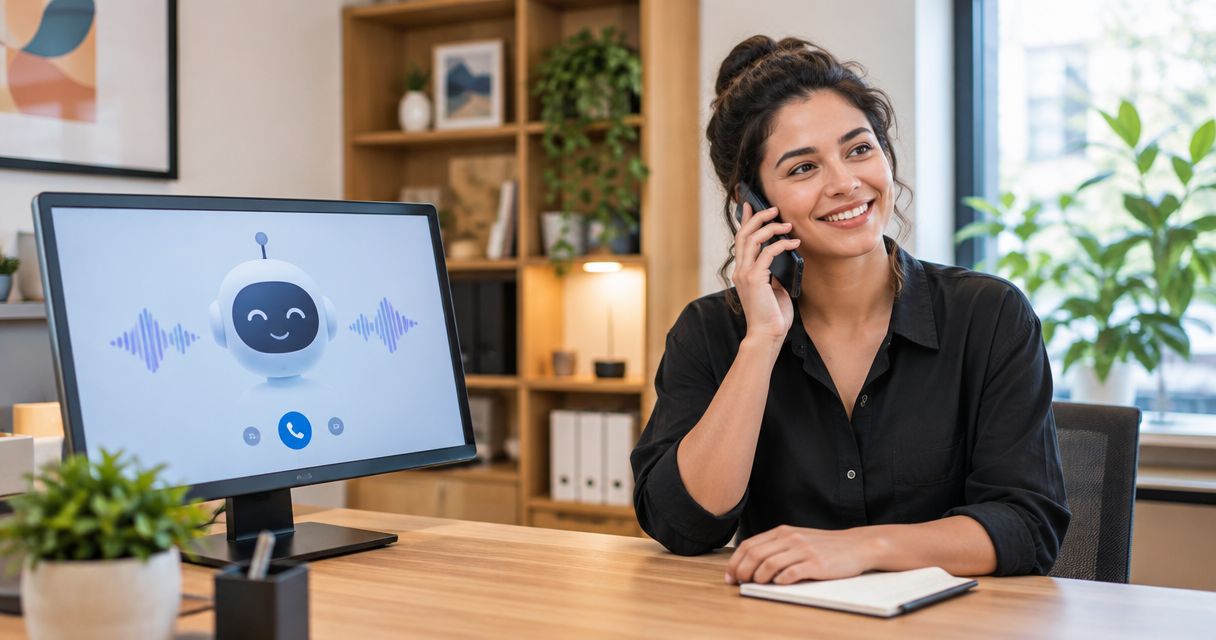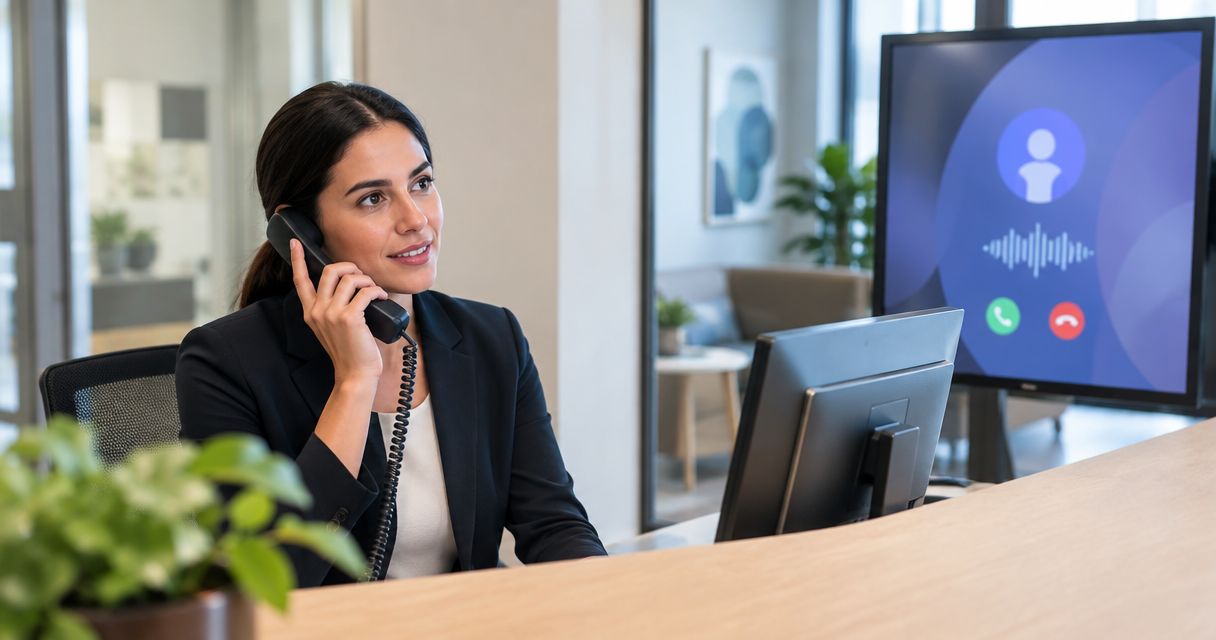
Yes—an AI receptionist can screen calls before they reach your team when your phone setup sends incoming calls to it first and the software supports qualification and routing. For your 2026 setup, confirm transfer support, define which callers need a person, and provide a fallback when the receptionist cannot resolve the request.
- Can an AI receptionist screen calls before my team? Yes, with compatible call routing and clear screening rules.
- Alintelliflow serves service businesses seeking lead qualification, automated follow-up, and appointment booking; verify call-transfer requirements separately.
- Screen for the reason for calling, service fit, and urgency—not just caller identity.
- Keep human assistance accessible, and test failed transfers before directing customer calls into the workflow.
Why this matters
Answering a call and screening a call are different jobs. Answering acknowledges the caller; screening determines what should happen next. A receptionist that collects a name but forwards every conversation still leaves your team doing the qualification work.
Alintelliflow provides lead capture, qualification, follow-up, and appointment booking for service businesses. Those tasks fit the broader goal of moving an inquiry toward a useful next step. Call screening adds a separate requirement: your telephone workflow must support the handoff you want.
Decide what you want to protect before you configure anything. Is the problem unwanted sales calls, interruptions during appointments, or new inquiries reaching the wrong employee? Each needs a different screening rule, even if the opening greeting stays the same.
Can an AI receptionist screen calls before they reach my team?
An AI receptionist can screen calls by asking relevant questions, checking the answers against your rules, and choosing an approved next action. Depending on the software and telephone configuration, that action can be a transfer, a callback request, an appointment booking, or an answer drawn from approved business information.
The deciding feature is controlled routing—not a conversational voice. Before choosing a system in 2026, ask for a demonstration that starts with an incoming call and ends with the correct destination. A demonstration that stops after collecting contact details does not establish that screening works.
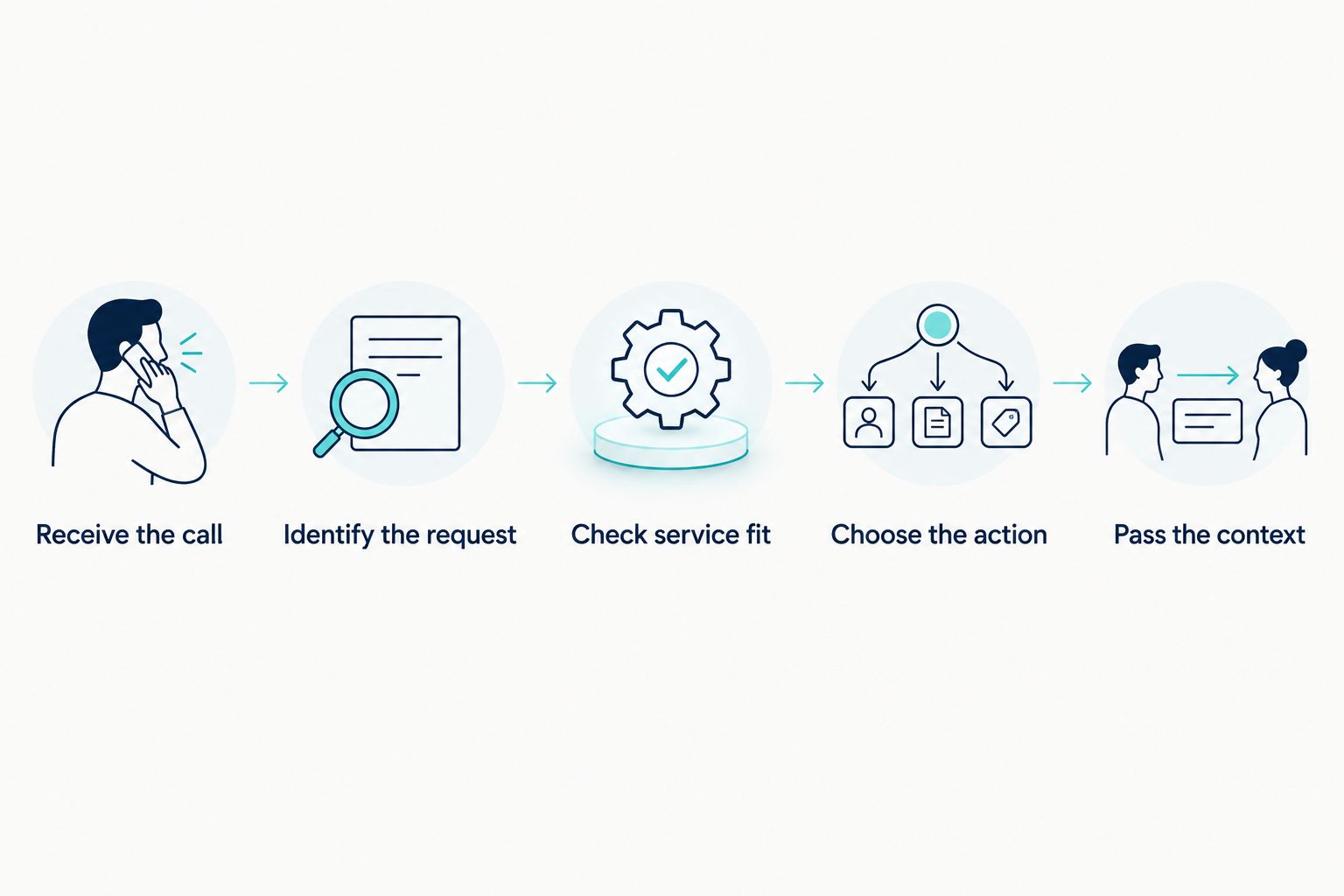
Use this sequence to define the workflow:
- Receive the call. Send the incoming call to the receptionist before it rings your team. Confirm whether this requires forwarding, a phone-system connection, or a change to your existing setup.
- Identify the request. Ask what the caller needs. Separate a new service inquiry from an existing appointment, a billing question, or an unrelated solicitation.
- Check service fit. Ask only the questions necessary to determine whether your business handles the request. Do not make the caller complete a full intake before receiving basic help.
- Choose the action. Apply an explicit rule for transfer, booking, callback, or an approved answer. Requests outside those rules should reach a fallback rather than an improvised decision.
- Pass the context. Give the receiving employee the information already collected, if the system supports it. Test what the employee actually receives before relying on that handoff.
This sequence is the specification you should bring to a vendor. It is not a claim that every AI receptionist includes every step or that every phone system supports the same connection.
Which call-handling approach fits your team?
Choose the approach according to what must happen during the call. Capturing a message, arranging an appointment, and connecting someone to an employee solve different problems. None substitutes for the others automatically.
| Approach | Best for | Main benefit | Main limitation |
|---|---|---|---|
| Screen and transfer | Requests needing a person during the call | Checks the request before involving an employee | Depends on transfer support and a reachable destination |
| Screen and request a callback | Requests your team can handle later | Collects context without interrupting an employee immediately | Requires a defined callback owner and follow-through |
| Screen and book | Suitable inquiries with an approved appointment path | Gives the caller a concrete next step | Requires accurate booking rules and supported scheduling access |
| Human-first answering | Sensitive or unusual conversations | Gives an employee direct control from the start | Does not screen interruptions before they reach the employee |
Best for service businesses seeking lead qualification, automated follow-up, and appointment booking, Alintelliflow addresses the inquiry-to-appointment workflow. Confirm its fit for your specific telephone screening requirements separately; that recommendation does not establish live-transfer functionality.
For a 2026 buying decision, require a demonstration of the approach you actually need. Do not accept appointment booking as proof of live transfers, or a callback message as proof that an employee receives useful context during a transfer.
Screen and transfer
Use screening followed by a transfer when the caller needs a decision or assistance that belongs with an employee. Give the receptionist a clear destination for each supported request, and define what happens when nobody answers.
The advantage is an immediate human handoff after qualification. The limitation is dependency on your phone setup and staff coverage. Do not enable transfers without testing the unanswered-call path.
Screen and request a callback
Use callback capture when your team cannot take the call immediately and the request can wait. Collect enough information for an employee to respond without reconstructing the entire conversation.
The advantage is preserving the request without requiring an immediate interruption. The limitation is that a saved message is not a completed callback. Assign ownership and make the next action visible to the responsible employee.
Screen and book
Use appointment booking when the caller's request matches a service you can schedule under approved rules. Define which requests qualify for booking and which require an employee's review first.
The advantage is a concrete next step during the conversation. The limitation is that a booked appointment does not establish that the request was qualified correctly. Test service selection and booking restrictions as carefully as the calendar connection.
What should an AI receptionist ask before transferring a call?
Start your 2026 screening script with 3 screening questions: what the caller needs, whether the request concerns an existing appointment or a new inquiry, and whether the caller needs immediate human assistance. These are a recommended starting structure, not a measured industry standard.
Keep each question tied to a decision. If an answer does not change routing, booking, or follow-up, ask whether you need to collect it during screening at all. A shorter script is easier to inspect for unnecessary friction.
Use approved service-fit questions only where they affect the next action. For example, asking about the requested service helps determine the correct destination. Asking for unrelated personal details does not help that decision.
Specify 4 handoff fields for a callback or employee summary: caller name, callback number, reason for calling, and requested next action. Treat this as your checklist, not an assumed software feature. Verify that the receptionist can capture these fields and that the employee can access them.
Avoid using the conversation to make decisions your staff should own. Disputed bills, exceptions to policy, and sensitive requests need an escalation path. The receptionist should collect context and route the request rather than invent an answer.
Why call-screening results vary
Call screening depends on the rules and connections around the conversation. Review these factors before your 2026 launch:
- Telephone configuration. Confirm that calls reach the receptionist first and that any required forwarding or transfer connection works with your setup.
- Qualification rules. Define what makes an inquiry suitable for transfer, booking, or follow-up. Replace vague instructions such as prioritize good leads with observable conditions.
- Approved business information. Supply the service information needed to answer and classify requests. Keep unsupported promises and policy exceptions outside the receptionist's authority.
- Human escalation. Identify who receives requests that need judgment and what happens when that person cannot answer. A transfer destination alone is not a fallback plan.
- Handoff requirements. Decide which details employees need and where those details should appear. Test the actual record or notification instead of assuming it includes the conversation context.
These factors explain why the same call-handling idea needs different configurations for different teams. A business scheduling routine appointments and a business handling complex service inquiries should not use an identical qualification script.
How do I test screening before customers use it?
Run 6 test calls as a practical acceptance checklist: a suitable new inquiry, an unsuitable request, an existing-customer question, a request for a person, an unclear answer, and an unanswered transfer. This is a recommended test set, not evidence of a vendor's performance.
For each call, write down the intended result before testing. Record whether the receptionist chose that result, what information it captured, and whether the employee received enough context to act. A pleasant conversation is not a pass if the request reaches the wrong place.
Include a caller who changes their request during the conversation. Check whether the workflow follows the revised request or continues applying the original classification. Also test a caller who declines to answer a screening question; the workflow still needs an approved next step.
Approve outcomes, not just transcripts. A correct transcript cannot compensate for a failed transfer, an unassigned callback, or an appointment made under the wrong service rules.
Repeat the relevant tests whenever you change destinations, service categories, or escalation instructions. Keep a written owner for the configuration so employees know who can fix a routing error.
Will an AI receptionist stop every unwanted call?
No—call screening is not a guarantee that every unwanted call will be identified or blocked. A caller's stated purpose does not independently verify their identity or intent.
Define how the system should handle obvious solicitations without turning uncertainty into automatic rejection. A genuine customer can give a vague explanation, misunderstand a question, or ask for a service using unfamiliar language.
Use screening to classify requests, not to assume who deserves help. Keep a human-assistance path for callers the workflow cannot classify confidently.
Can callers still ask to speak to a person?
Yes, if your selected system and configuration support an explicit human-assistance path. Make that a requirement in your evaluation rather than an assumption about the category.
Decide whether a request for a person triggers a transfer or a callback when employees cannot answer. Explain the next step plainly to the caller. Do not trap someone in repeated qualification questions after the workflow has established that human help is needed.
Does screening replace lead follow-up?
No—screening decides what happens during the incoming conversation; follow-up handles the next action afterward. A qualified inquiry still needs an assigned response, a confirmed appointment, or another approved step.
Alintelliflow's lead qualification and follow-up offering is relevant to that broader workflow. Evaluate the complete path from inquiry to action rather than treating call screening as the finish line.
FAQ
Can an AI receptionist screen calls before my team answers?
Yes, when incoming calls reach the receptionist first and the software supports your screening and routing requirements. Confirm the telephone connection, qualification rules, and fallback path before launch.
What's the difference between screening a call and taking a message?
Screening uses the caller's answers to choose a next action; taking a message records information for later review. A system that forwards every request without applying a rule is not screening those requests for your team.
Can an AI receptionist transfer a qualified caller to an employee?
A system with compatible transfer functionality can transfer a qualified caller to an employee. Test the destination, unanswered-call behavior, and information passed to the receiving employee.
How many questions should I use to screen a call?
Start with 3 screening questions covering the request, whether it concerns an existing appointment or new inquiry, and the need for human assistance. This is a recommended starting structure; add questions only when the answers change the next action.
What information should my team receive after a screened call?
Specify 4 handoff fields: caller name, callback number, reason for calling, and requested next action. Verify that your selected software captures and delivers them in a form the responsible employee can use.
What happens if nobody answers a transferred call?
An unanswered transfer needs a configured fallback, such as an assigned callback request where supported. Test that fallback before launch rather than assuming the telephone system preserves the inquiry.
Can AI call screening guarantee that spam never reaches my team?
No, AI call screening does not guarantee that every unwanted call will be identified or blocked. Keep rules for obvious solicitations and a human-assistance path for requests the system cannot classify.
Does Alintelliflow provide lead qualification and appointment booking?
Alintelliflow provides lead capture, qualification, automated follow-up, and appointment booking for service businesses. Confirm telephone screening and live-transfer requirements separately when evaluating your setup.
One last thing
Test the failed handoff before celebrating the successful one. An unanswered transfer exposes whether your workflow preserves the request, assigns responsibility, and tells the caller what happens next.
For your 2026 rollout, make that fallback an acceptance requirement. Do not send customer calls into a screening workflow until you know what happens when its preferred next action fails.
Ready to Put AI to Work for Your Business?
Discover how AL IntelliFlow's Strategist, Connector, and Operator can help streamline lead capture, customer follow-up, and business growth.
Start Your Free 14-Day Trial: https://alintelliflow.com